Real Estate Client Experience
A live mobile-first property presentation designed to help buyers understand a listing through a structured, guided digital experience.
Overview
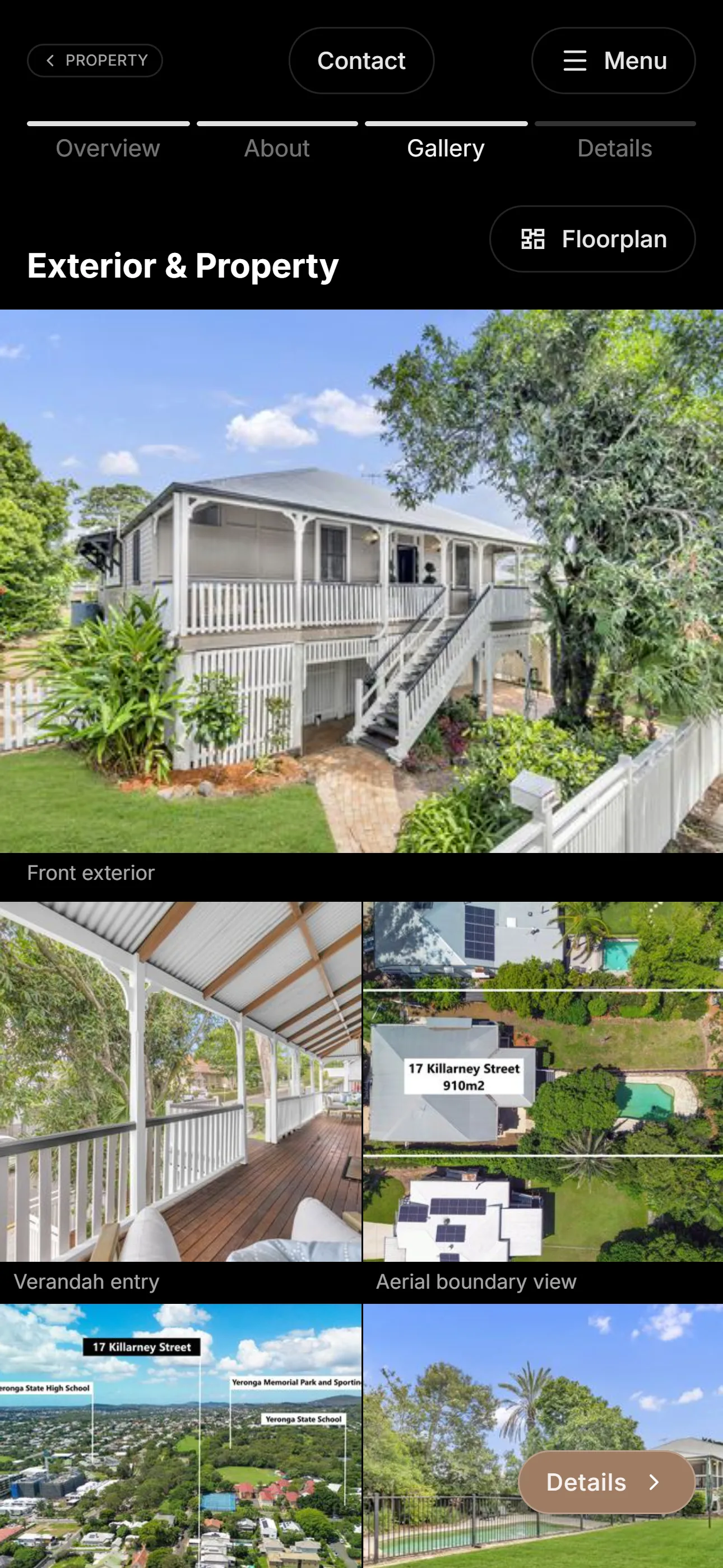
This project applied my current guided digital experience approach to a real property listing. Instead of presenting the property as a standard collection of photos, facts and sales copy, the experience was structured as a guided mobile presentation.
The aim was to help a buyer move through the property with more context: what the property is, how it is arranged, what details matter, and how different parts of the listing connect.
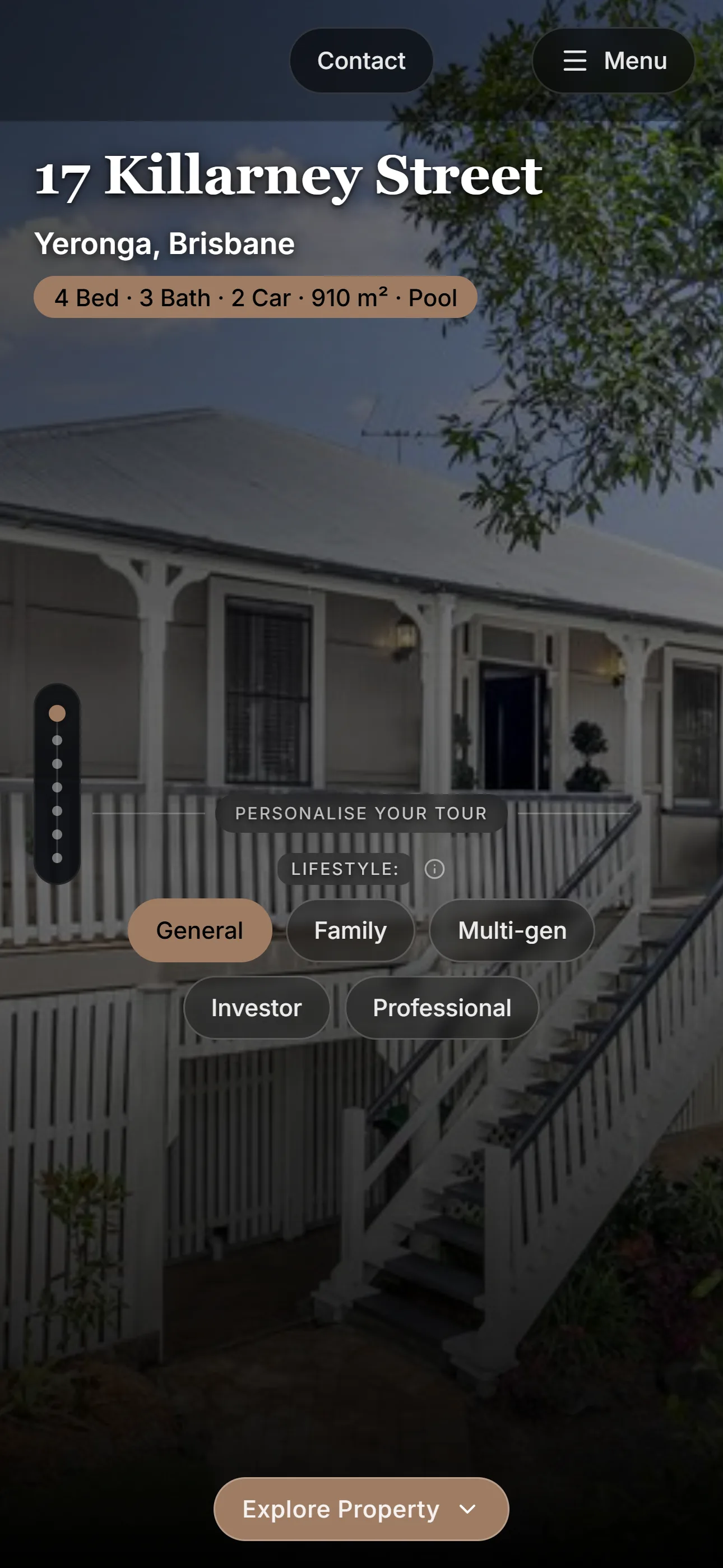
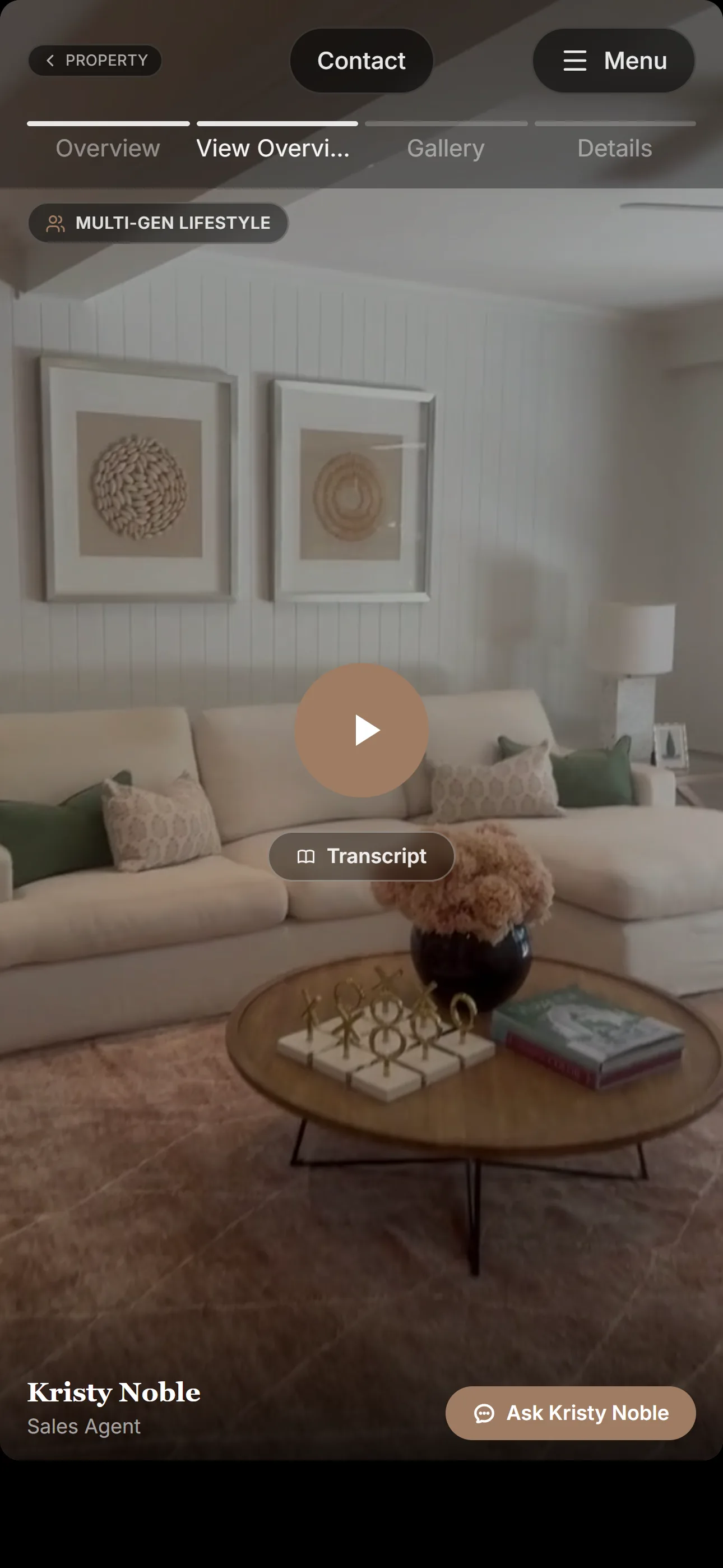
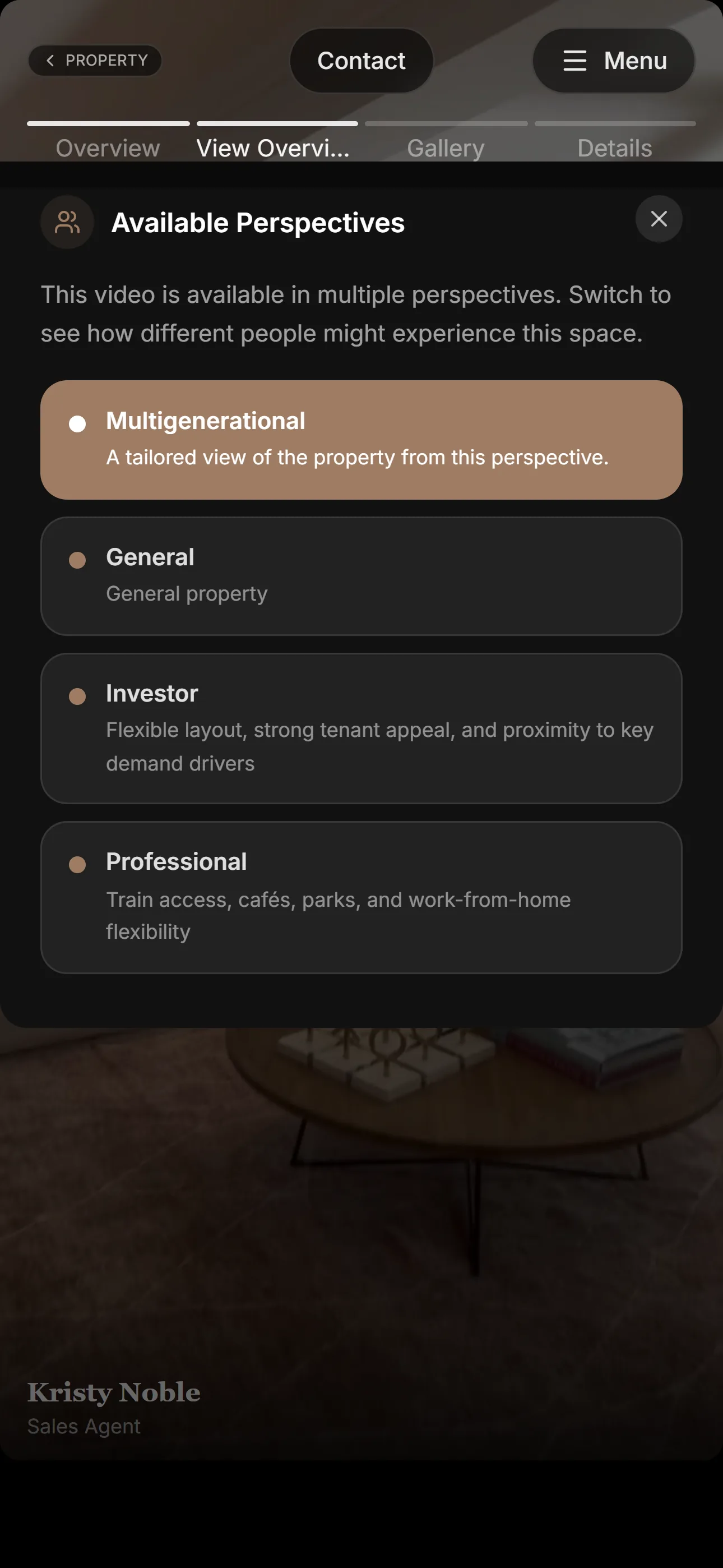
One part of the experience was a set of lifestyle lenses, allowing buyers to explore the property through different points of view such as family, lifestyle or investment. Each lens could surface different videos and descriptions, while still letting the user quickly switch and compare other perspectives.
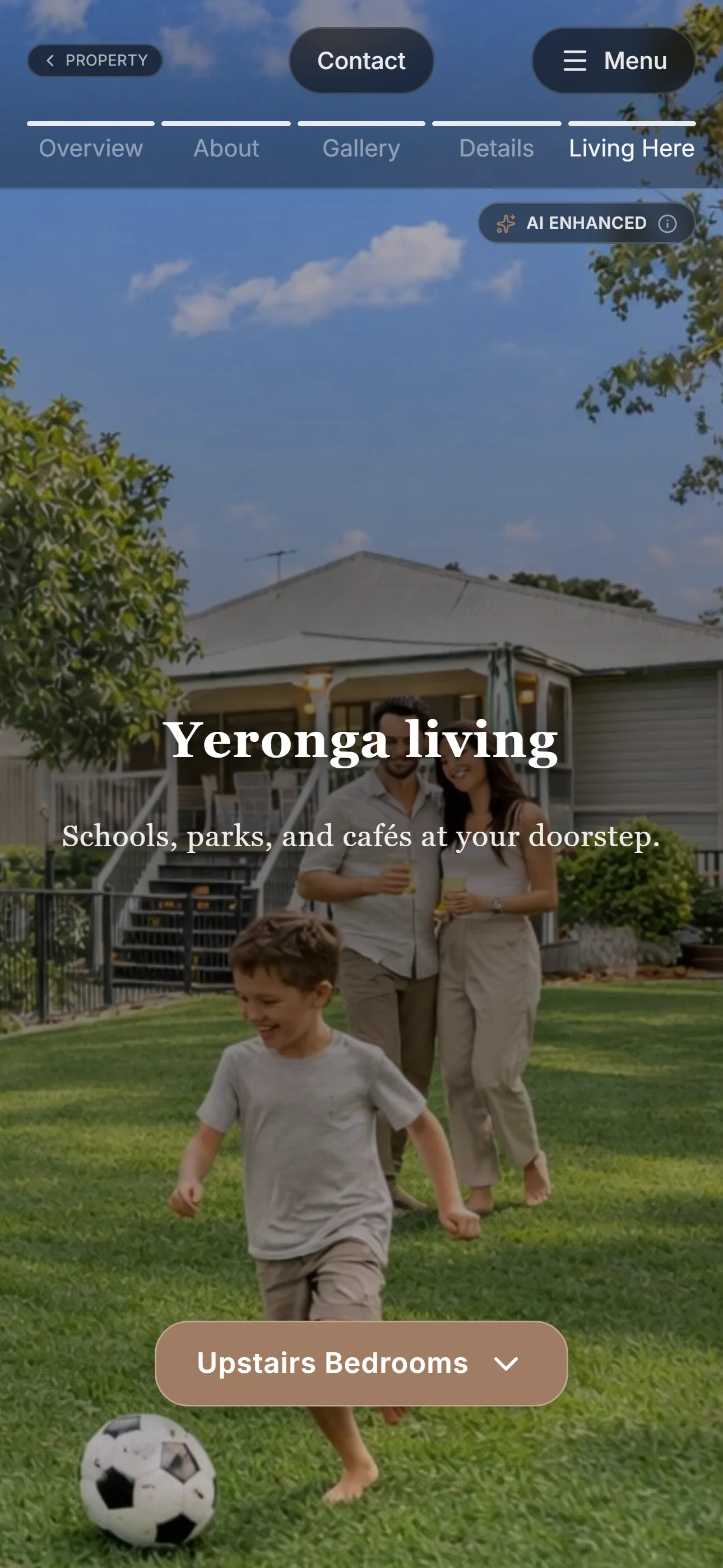
The project also explored a controlled use of AI as an optional enhancement. For example, lifestyle-specific imagery could help different buyer groups imagine how a space might be used, such as a family-oriented view of a living area. This content was intended to be clearly signposted as an AI-assisted interpretation, separate from the factual property information.
Behind the public presentation, I also built an agent-facing workflow for reviewing, editing and approving content. This was important because the experience could not rely on generated or structured content alone; the agent needed a way to check accuracy, adjust the framing and approve what would be shown publicly.
The design decision was about using the right support at the right moment: factual detail where accuracy mattered, lifestyle framing where imagination was useful, clear signposting where AI-assisted imagery appeared, and agent review where trust and accuracy were required.
Challenge
Property listings often contain a lot of useful information, but the experience is usually fragmented. Photos, floor plans, videos, suburb details and agent commentary can sit across different places, leaving the buyer to assemble the story themselves.
For some properties, the value is not obvious from a quick scroll. It may depend on layout, lifestyle, location, renovation potential, family use, investment logic or the way different spaces connect. The challenge was to create a clearer presentation layer that could guide attention without overwhelming the buyer.
The experience
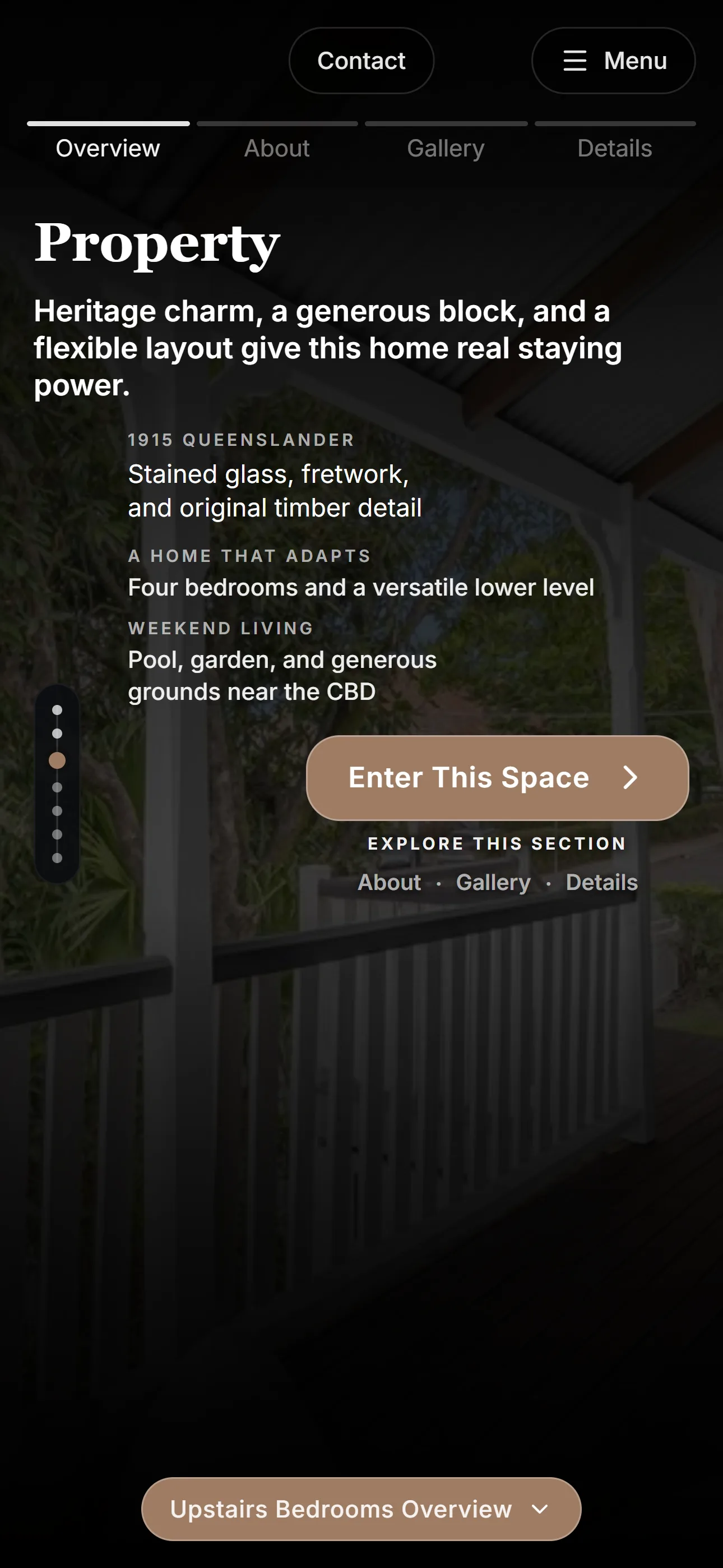
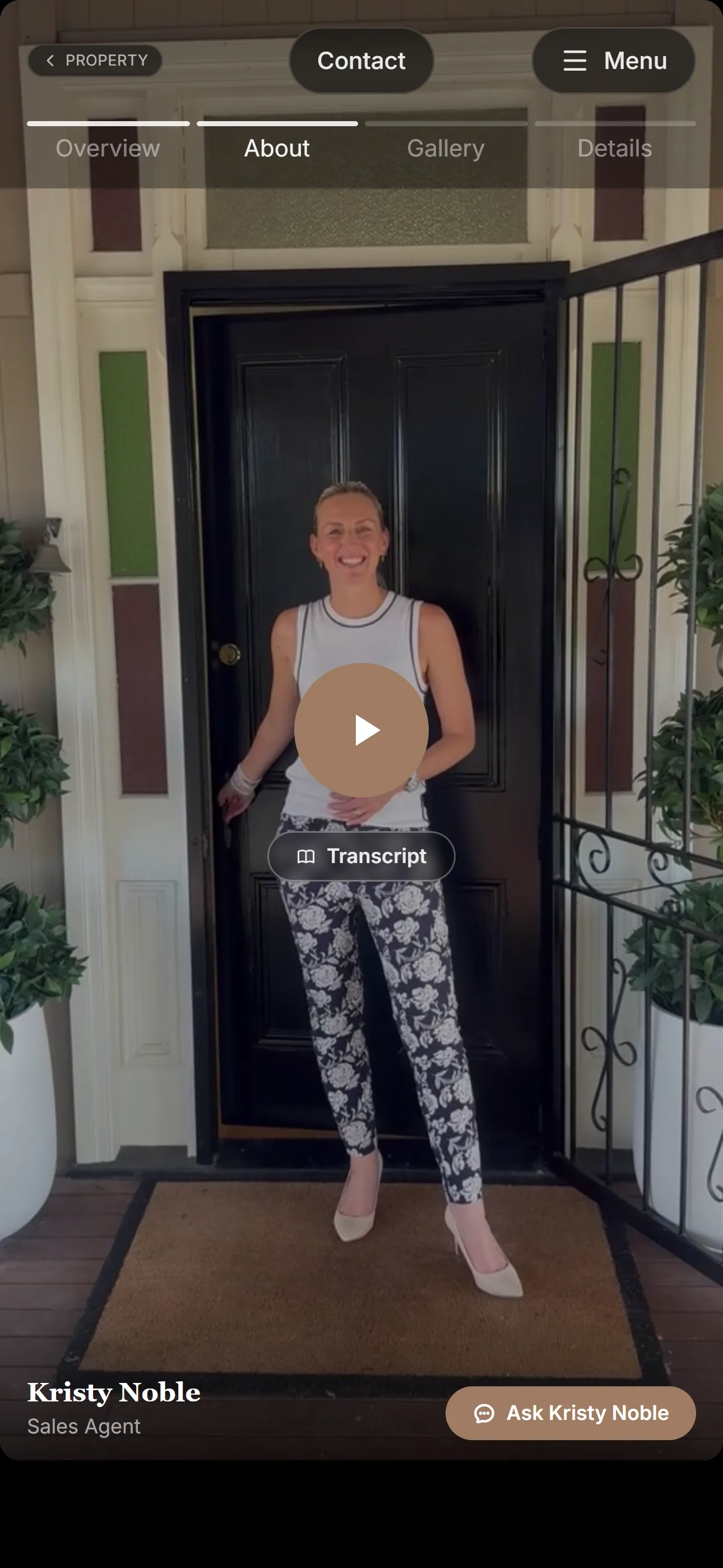
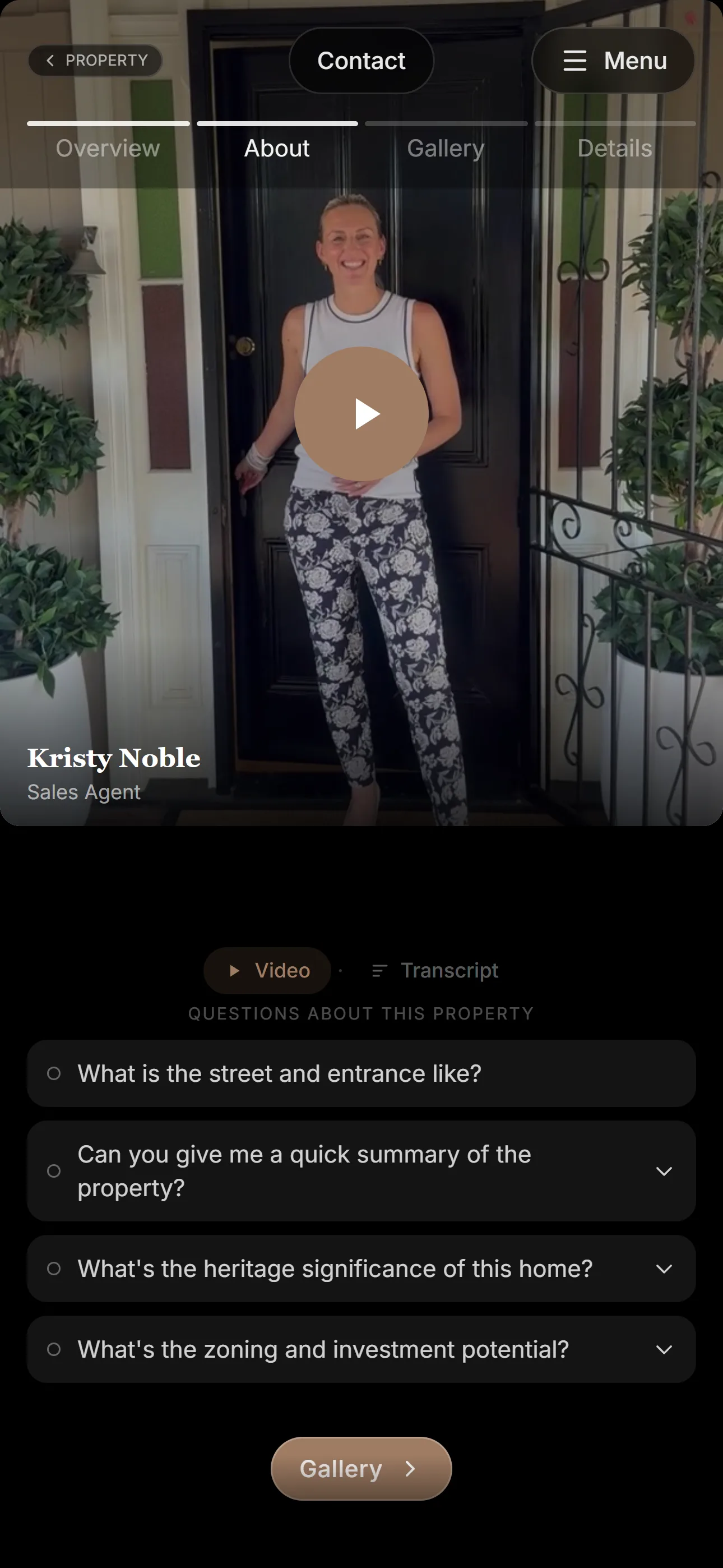
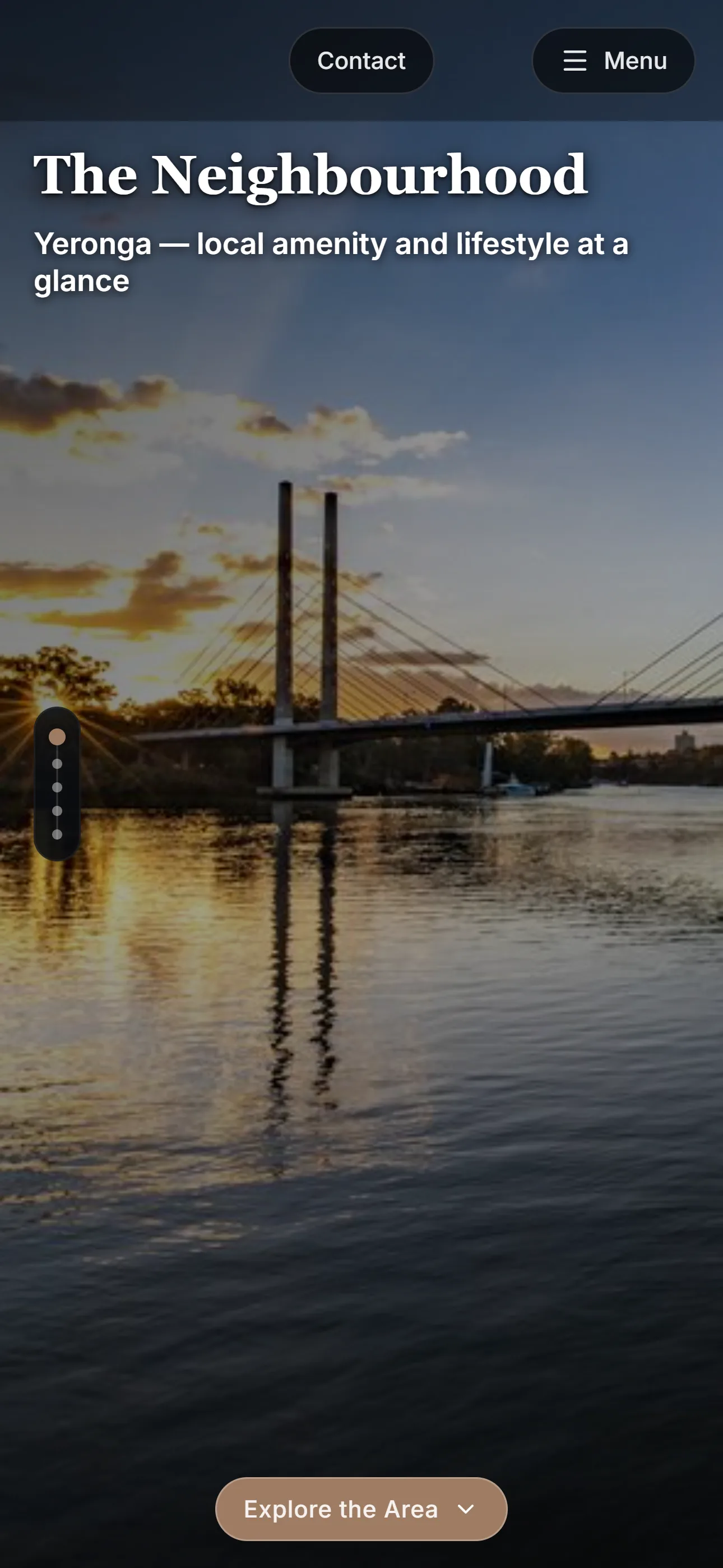
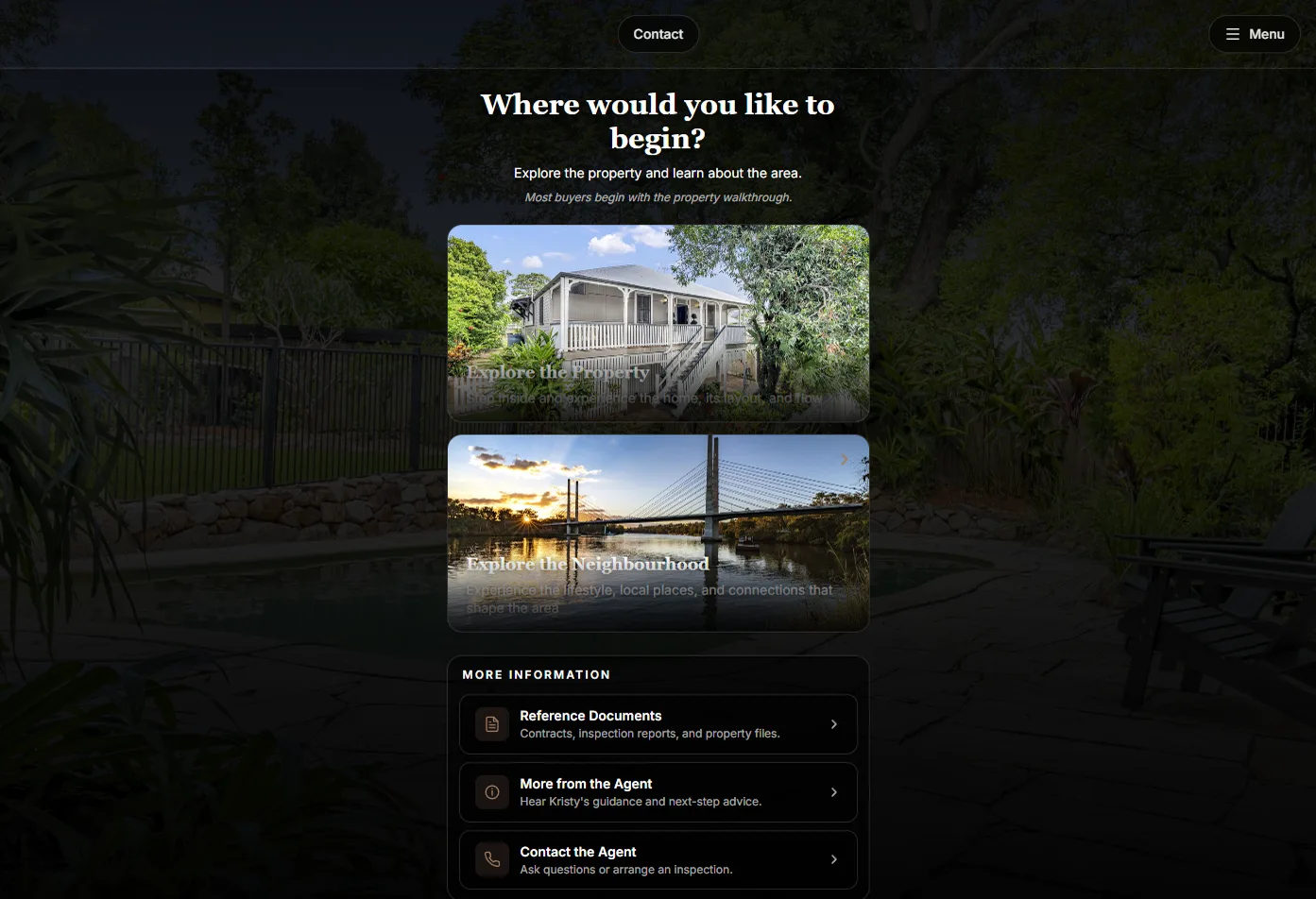
The experience gives the buyer a structured path through the property. They can begin with an overview, move into media, explore key details, and continue through sections of the home in a way that feels more intentional than a standard listing page.
The goal is not to replace the listing portal or the agent. It is to add a clearer layer of explanation around the property, so the buyer can understand what they are looking at and why it matters.
What I designed and implemented
- Mobile-first guided property presentation
- Property section structure and content model
- Lifestyle lenses for different buyer priorities
- Tailored videos and descriptions by buyer focus
- Cross-view comparison between buyer perspectives
- Structured content model supporting adaptive presentation paths
- Explored AI-assisted lifestyle imagery as an optional, clearly labelled enhancement
- Structured separation between factual property content and interpretive AI-generated visuals
- Agent-facing content review workflow
- Backend tools for editing and approving property content
- Media and key-details structure
- Public-facing presentation flow
- Live deployment
What it shows
This project shows the current practice in a live setting. A property listing becomes more than a set of assets; it becomes a guided experience that helps someone understand a complex real-world decision.
The same approach can apply beyond real estate: any place, service, display or product that needs clearer explanation can benefit from structure, context and interaction.
Relevance now
This project is part of my current focus on guided digital experiences across touchpoints. It helped consolidate the system I had been developing through earlier AR, learning, visitor experience and prototype work into something practical, mobile-first and publicly usable.
Project Images